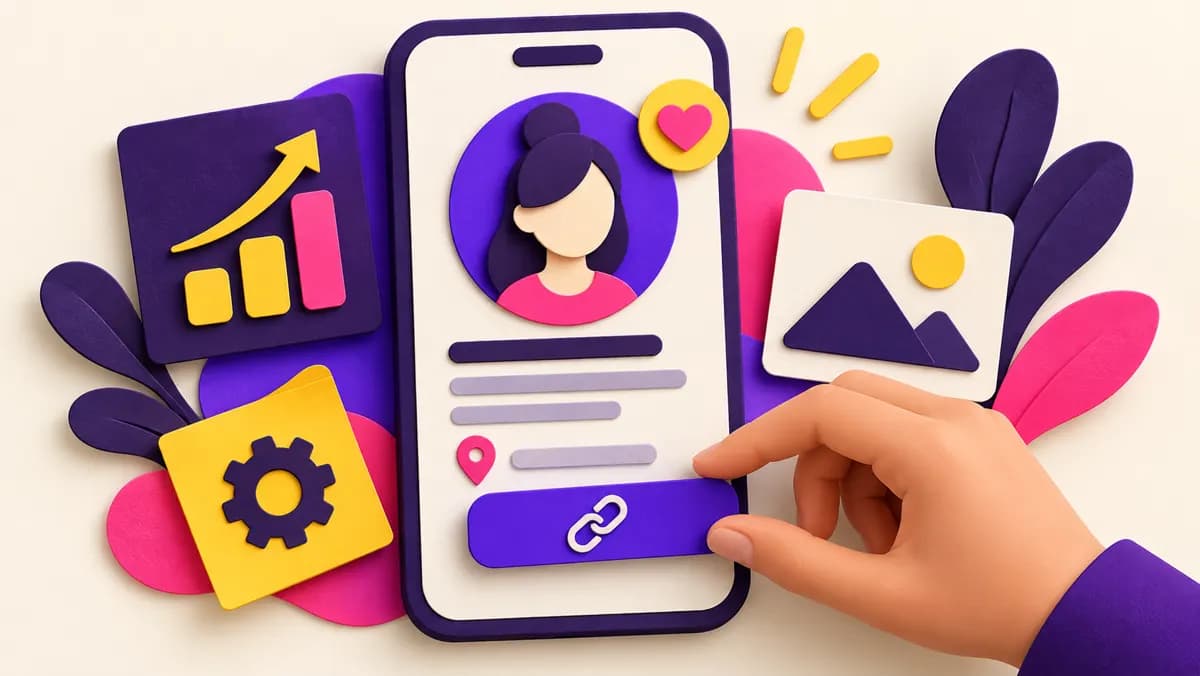
Why the profile matters after a good post
A Reel can bring thousands of viewers to an account, but the profile decides what many of them do next. In a few seconds they want to know who you are, what you offer, whether the content is for them and how to act. A beautiful grid without a clear promise can lose relevant visitors. Profile optimization is therefore a conversion task: it helps attention earned elsewhere become a follow, message or sale.
Open your profile from the perspective of someone who has never heard of the business. Hide your own familiarity with the logo and product. Can you identify the category, customer and next step without opening ten posts? If not, begin with clarity before changing colors or highlight covers. The most useful improvement is often a sentence, not a redesign.
View Instagram follower package details
Instagram says users should not artificially collect followers, likes or shares. Review its rules before purchasing a follower package. Instagram Community Guidelines.
Choose a recognizable photo and name
Use a profile image that remains clear when displayed small. A business can use a simple logo with enough contrast; a personal creator may use a well-lit face. Avoid tiny text inside the image. Check both light and dark backgrounds if the app uses them. The photo should help someone recognize you after seeing a post or meeting you offline.
The name field can make the account easier to understand and search. Pair the brand name with a relevant category or location when it fits naturally, such as “Marta | Madrid wedding flowers.” Do not stuff several unrelated keywords into one line. The handle should be easy to spell and consistent with the website or packaging where possible. Changing an established handle has costs, so fix the bio first if the current one is serviceable.
Continue with these practical guides: 30 Instagram Content Ideas for Small Businesses That People Actually Save.
Write a bio around the visitor
A bio should answer three questions: who is this for, what do I get and what should I do next? Lead with the outcome or category rather than an internal slogan. Add the service area if geography matters. Include one proof point only if it is true and useful, such as a specialty or opening hours. Finish with a clear action: browse, book or ask a question.
Example for a local studio: “Beginner-friendly pottery classes in Seville. Small groups, all materials included. See dates and reserve below.” This is more useful than “Creating magic every day.” The tone can still have personality. Let personality appear in the choice of words, photos and posts after the essentials are clear. If several people run the account, a shared voice guide can keep the bio and captions consistent.
Make the link lead somewhere helpful
A link should match the action the bio asks for. If you say “Book a trial class,” send people to the class page with dates and a visible booking option. A generic homepage can force another search and lose the visitor. If several actions are essential, a simple link page can work, but keep the choices limited and label them clearly. Check the destination on a phone.
Do not leave an expired campaign link in place. Review the link after changing prices, products or opening hours. If a product is sold out, link to a current alternative or waiting list. Use tracking parameters when they are useful and permitted, but do not let analytics make the URL unreadable. The visitor's ability to complete the action comes before perfect measurement.
Pin posts that continue the promise
Pinned posts are a small front door to the rest of the account. Choose an introduction, a useful answer and a clear example of the work. A creator might pin “Start here,” a popular tutorial and a personal story. A shop might pin product categories, delivery information and a customer favorite. Do not pin only the posts with the highest views; a viral joke may not represent what you sell.
Write pinned content so it still makes sense months later. If a pin contains a dated promotion, replace it when the offer ends. Check that the cover and opening make the subject obvious in the grid. Someone arriving from a specific Reel should see related value immediately. If they cannot connect the post they liked to the rest of the profile, following may feel unnecessary.
Use highlights as an answer desk
Highlights can collect information people repeatedly ask for: how to order, prices, delivery, FAQs, reviews with consent or examples. Keep the titles short and clear. A visitor should not have to tap through twenty old Stories to find a current policy. Remove outdated information and broken links. If the business changes its service area, update the highlight before sending more traffic to the profile.
A small number of useful highlights beats a decorative row with no purpose. Make the first Story in each highlight explain what is inside. Use readable text and adequate contrast. Do not rely on a color-coded cover alone; a screen reader or new visitor may not know what it means. Highlights are most helpful when they reduce the work needed to make a decision.
Check the recent grid, not only the bio
The first several visible posts should support the promise in the bio. If you promise beginner tutorials but the grid is only product announcements, the account feels inconsistent. A mix of explanation, proof and process helps a visitor understand what future posts will provide. You do not need a perfect alternating color pattern. Content that is useful and easy to recognize matters more.
Look for gaps. Does a visitor see who the service is for? Is there a real example of the product in use? Can they find a price range or at least the path to one? Are the posts recent enough to show the business is active? If not, plan the next three posts to fill those gaps. A profile audit can guide content more effectively than another generic trend list.
View Instagram follower package details
Add location and contact details where relevant
A local business should make its city or service area clear in the bio and supported business fields. Accurate address, hours and contact options can reduce unnecessary messages. If visits require an appointment, say so. If you serve customers remotely, explain that too. Do not add a popular city simply to appear in searches if you do not serve it.
Test the contact buttons yourself. A broken email address or old phone number is a conversion problem. Decide which channel you can answer reliably; offering five channels that nobody monitors creates frustration. If you ask customers to message, set expectations for response time when possible. The profile should make contact easy without exposing personal details the business does not want public.
Review accessibility and trust
Read the bio at normal phone size. Is it understandable without emojis? Do pinned videos have captions? Do images with important information have descriptions or readable text? Accessibility helps more people understand the offer and often improves clarity for everyone. A high-contrast image and a plain sentence can outperform an ornate design.
Trust also depends on accuracy. Remove unsupported claims, outdated prices and testimonials used without permission. If a partnership is paid or a product was gifted, follow applicable disclosure rules. Show real people and work where appropriate, but protect customer privacy. A visitor should be able to verify the next step before committing time or money.
Measure conversion from visit to follow
Use the profile insights available to your account to compare visits, follows and link actions over a consistent period. A rough visit-to-follow rate is follows divided by profile visits for the same period, multiplied by one hundred. It is an imperfect measure because people can return or follow from several surfaces, but it helps you notice changes. Do not compare one day with a whole month.
Record the date of each profile change. If you rewrite the bio, give it time while keeping content reasonably similar. If profile visits rise but follows do not, the promise may be unclear. If follows rise but sales do not, examine whether the offer and link path fit the audience. The point is to learn which step is weak, not to chase a universal benchmark.
A 15-minute audit you can do today
Spend three minutes on the photo and name: can a stranger recognize and search you? Spend four on the bio: who, what, where and next step. Spend three testing the link and contact options. Spend three reviewing pinned posts and highlights for outdated information. Spend two looking at the recent grid as a first-time visitor. Write one change for each weak area.
Do the highest-impact change immediately, then schedule the rest. You do not need a full brand redesign before the next post. Once the profile is clear, publish content that makes the promise true. A profile is not finished forever; revisit it when the offer, audience or business changes. A quarterly check is often enough for stable details.
Paid followers and profile quality
A follower package can raise a displayed count under a seller's terms, but it cannot make a confusing profile clear or guarantee that visitors become customers. Instagram's rules discourage artificially collecting followers and likes. The direct SocFan package linked here is for readers comparing paid options; review its quantity, price and support terms separately from this profile checklist.
Never share a password or verification code with a seller. If you invest in any form of promotion, make sure the destination profile explains why a relevant visitor should stay. A clearer profile can improve the value of traffic you already receive, regardless of whether that traffic comes from posts, collaborations or ads.
Frequently asked questions
What should an Instagram business bio include?
A clear audience or category, location when relevant, one useful distinction and a specific next action.
Do highlight covers increase followers?
Their design matters less than the information inside. Clear titles and current answers are more useful than decorative covers alone.
How often should I update pinned posts?
Review them when offers change and every few months. Replace dated promotions and posts that no longer represent the account.
Can a better profile fix low views?
A profile usually affects what visitors do after seeing content. To diagnose low views, review the content and account status as well.
View Instagram follower package details
Instagram Community Guidelines
Compare the current offer and purchase conditions
View package and buy: InstaGrowth (5,000).
Compare all packages.
Continue with these practical guides: How to Get Your First 1,000 Instagram Followers: A Practical Plan · How to Get Instagram Followers for a Small Business: A Practical 2026 Guide.