Telegram Stars in Mini Apps: How Payments Work and What to Check
Learn how Telegram Stars payments work in mini apps, how to check an item before buying, and what to do if a purchase does not appear.
S
SocFan Team
Author
0
September 29, 2026
Learn how Telegram Stars payments work in mini apps, how to check an item before buying, and what to do if a purchase does not appear.
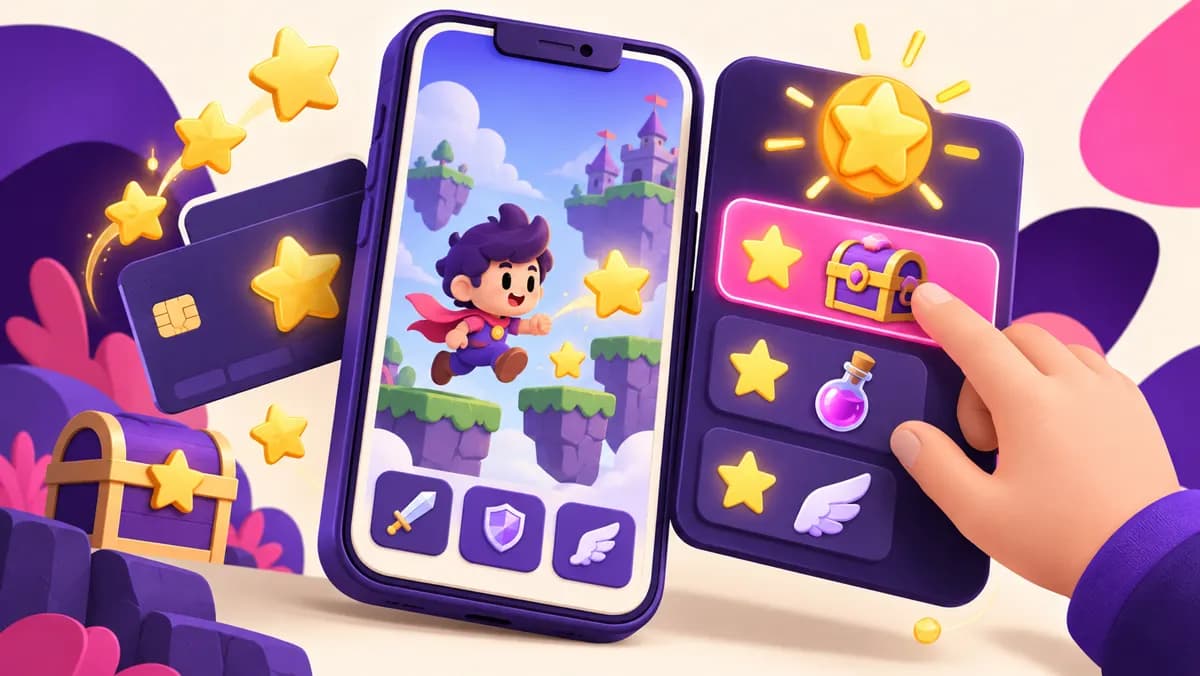
Telegram Stars are virtual items used to buy digital goods and services inside Telegram bots and mini apps. A mini app is an interactive service opened through Telegram; it can feel like a small website, game, course portal, or utility without asking you to leave your chat. The app's creator decides what is for sale and displays a Star price before you confirm a payment. Buying Stars adds them to your Telegram account balance; it does not automatically buy anything inside a mini app.
This distinction matters if you are trying to access a feature right now. Check the exact item and its price in the mini app, then check your available balance. An attractive bundle of Stars may still be the wrong amount if the app charges per use or has several separate upgrades. Telegram's documentation describes Stars as the payment method for digital goods and services in this setting, but each app is responsible for explaining what its own purchase delivers. Read that description before you spend.
Check the 5,000 Telegram Stars package
Before adding to your balance, write down the outcome: a game item, a downloadable guide, an extra tool credit, or access to a service. Then identify whether the price is a single payment, a repeated charge, or one of several steps. If the mini app uses a coin or point system of its own, check how Stars convert into that app-specific unit. Two balances with star-shaped icons can represent different things, and an internal game credit may not be usable anywhere else.
Open the app from its official bot or a trusted link. Look for a product description, support route, and the name of the bot shown in Telegram's payment screen. Be cautious when a message promises a feature that you cannot find in the app itself. A useful purchase is one you can describe in a sentence: what you receive, how long it lasts, and where you can use it. If those basics are unclear, ask the app operator before paying.
Continue with these practical guides: Telegram Paid Media: How Star Unlocks Work for Viewers and Creators.
A recommendation from a friend or a known creator is a reasonable starting point, but verify the destination. Look at the bot's profile, its linked channel or website, and the exact handle before you open a deep link. Similar names and copied logos are easy to make. Inside the app, browse the free screens first. Does the service actually demonstrate the feature being sold? Are its instructions understandable? Can you find the purchase amount before the final confirmation?
A mini app can request permissions or information to provide its service. Share only what is needed for the task. A Stars payment should not require you to reveal your Telegram login code, two-step verification password, or an active session to the app operator. If you are asked to sign in on a strange page just to receive a purchased item, stop and verify the source. Pay through the Telegram payment flow shown for the item, and keep the purchase record.
Suppose an app offers a useful tool for 800 Stars and you have 300 in your balance. You need at least 500 more Stars for that payment, but the purchase options shown to your account may come in predefined quantities. Inspect those options and compare the total charge, rather than assuming there is a custom top-up for exactly the shortfall. If you expect to make several purchases, add their Star amounts together and leave room only for spending you have genuinely planned.
The cash price of a Star package depends on the route, region, currency, taxes, and current checkout. Do not rely on an old article claiming a universal price per Star. Telegram documents in-app top-ups and alternative purchase flows; the options you can actually use are the ones available to your account now. If you compare a third-party package, include its delivery terms and support process, not just the number in a headline. A larger bundle can lower an apparent unit price while leaving you with unused Stars.
Open the intended item in the mini app and tap its purchase control. The Telegram payment screen should show the item and the amount in Stars. Read both, check the bot identity, and confirm only when the details match what the app promised. If the balance is short, the client may offer a top-up path. Once you have enough Stars, return to the actual item and complete its payment. A top-up receipt and a mini app purchase receipt record different events.
After confirmation, look for the unlocked feature or item in the app and review your Stars transaction history. Some services deliver immediately; others may have their own stated processing step. If the app still shows the purchase button, avoid paying again until you have checked the transaction and contacted the operator. A duplicate order can be more difficult to resolve than a delayed screen refresh. Record the bot name, item description, transaction details, and the time when you sought help.
A Star charge for one item is different from a Star subscription. Telegram also supports recurring subscriptions created by bots and channels, but a mini app's particular offer must say whether you are buying a one-time item or ongoing access. Read the checkout and the app's explanation together. A label such as “premium” does not by itself tell you whether access renews, expires, or covers all features. If the service has a subscription, check its billing period and how you can manage it before you join.
This is especially important when an app sells both credits and membership. Credits may be consumed when you use a tool; membership may grant access while a recurring charge is active. They solve different problems. Do not assume a Stars balance will be refunded simply because you no longer use the app. Keep a small note of any active subscriptions and their next renewal dates. That habit prevents a planned single purchase from turning into a surprising series of deductions.
Stars are a payment unit, not a quality rating. A polished payment screen cannot tell you whether the promised lesson is useful, a game item is enjoyable, or an automated tool works reliably. Check any free sample, screenshots, public feedback, and the creator's explanation. For a learning product, ask what topics are covered and in what format. For a tool, find its limits: number of runs, file sizes, wait times, or supported languages, if those matter to you.
Compare the item with the simplest alternative. If the app offers a paid summary of a public document, you may prefer to read the original. If it saves repeated work or gives you a service you actually use, the price may make sense. Focus on the outcome rather than the novelty of paying with Stars. A low Star price can still be poor value for a feature you will never open; a higher price may be reasonable if the service clearly meets a recurring need.
Check the 5,000 Telegram Stars package
If you paid Stars and did not receive the item, first check your transaction history and the app's own account or inventory screen. Give the app a brief chance to update if it says delivery is processing. Then contact the bot or mini app operator through the support route it provides, with the item name, time, and transaction reference. Describe the expected result and what you see now. Avoid posting payment details or personal information in a public group.
Telegram provides a mechanism for bot owners to refund a Stars charge, but that does not mean every request will be approved or that all app operators follow the same policy. Read the app's terms and ask for a specific resolution. If a third-party seller supplied the Stars, contact that seller about a missing top-up; contact the mini app operator about an item that failed after a completed in-app payment. Keeping these two purchases separate helps the right party investigate the right problem.
Set a spending limit before exploring several mini apps in one session. Small Star charges can add up quickly when each app frames a purchase as a simple tap. Check the running total in your transaction history, especially in games or tools with repeatable uses. If a feature is advertised with urgency, ask whether you would still buy it tomorrow. You should be able to leave a screen without fearing that an unverified offer will vanish forever.
Use Telegram's normal account security practices: protect your login codes, enable two-step verification if appropriate, and review active sessions when something feels wrong. A legitimate developer may need a way to identify your in-app purchase, but does not need your password. If you manage a family account or shared device, make sure the person using it understands which taps spend Stars. A purchase should be deliberate, visible, and easy to explain afterward.
Creators selling digital goods through a bot or mini app should state exactly what users receive for the Star price. Show the cost before payment, explain any usage limits, and provide a support path that works after checkout. Telegram's technical payment flow uses Stars for digital purchases; your product copy still has to make the offer understandable. Avoid ambiguous phrases such as “unlock everything” if some tools, levels, or months are excluded.
Test the experience with a small item before promoting a larger catalog. Confirm that a successful payment grants the correct entitlement and that failed or repeated requests do not charge for something undelivered. Keep transaction references so support can investigate a buyer's report. This is product advice rather than a promise of revenue: a clear, reliable purchase experience reduces confusion and gives customers a reason to return. It also makes it easier to determine when a refund is appropriate.
A 5,000-Star package can be convenient when you have several known purchases coming up, but the package size alone says nothing about a mini app's value. List the items you intend to buy and their current Star prices. Add them once, compare the sum with your existing balance, then check the total price and delivery details of any top-up option you consider. If your plan requires far fewer Stars, a smaller option may be more sensible.
SocFan's Telegram Stars product page shows its current 5,000-Star offer and ordering instructions. Review that page directly if you want to compare it with the purchase options available inside Telegram. Confirm how delivery works for your account and keep the order information. The package supplies Stars; it does not guarantee that a particular mini app will accept your purchase, deliver a quality service, or remain available. Make that separate judgment inside the app.
Check the bot handle and the item description. Confirm whether the payment is one-time or recurring. Note the exact Star amount and your balance. Compare the total top-up cost across routes you can use. Protect your login information and keep the receipt. After buying, verify that the specific item appears in the mini app. If it does not, contact the operator with the transaction details before making another payment.
These steps take only a few minutes and work for games, learning products, and utility apps alike. They also leave you with useful evidence if support is needed. Telegram Stars make the checkout straightforward; the decision still rests on the quality of the offer and the reliability of the provider. Buy for an outcome you can identify, not because a balance makes it easy to tap again.
Telegram presents Stars as a separate way to pay for digital goods and services. A mini app may have its own eligibility rules, so check the item and your account's current purchase options before assuming that another subscription is required.
Usually the item you bought belongs to the app that sold it. Stars are the payment unit, while the delivered feature is defined by that creator. Ask the operator about transferability before paying if it matters.
Check for a current app update, account or regional limitation, and the exact item amount. Do not repeatedly confirm the same charge. Review transaction history, then contact the mini app operator with the details of the failed attempt.
No. Treat them as virtual items for supported Telegram uses, not as money you can freely withdraw from a personal account. Check the current terms for your purchase route and spend only an amount you expect to use.
Check the 5,000 Telegram Stars package
Telegram Stars documentation · Telegram Stars: Pay for Digital Goods and More
View package and buy: StarSpark (5,000).
Continue with these practical guides: How Many Telegram Stars Should You Buy for Gifts? Build a Spending Limit · How to Gift Telegram Stars: Recipient Checks, Purchase Options and Common Mistakes.
Explore our premium packages designed to help you achieve your social media goals
Buying Telegram Stars for gifts? Check each gift price, recipient and any separate upgrade cost, then choose a top-up without overspending.

Understand Telegram paid photos and videos, how to unlock a post with Stars, and how creators can price and describe paid media clearly.
Learn how Telegram Stars gifts work, how to check a recipient and what to verify before buying Stars for another person.