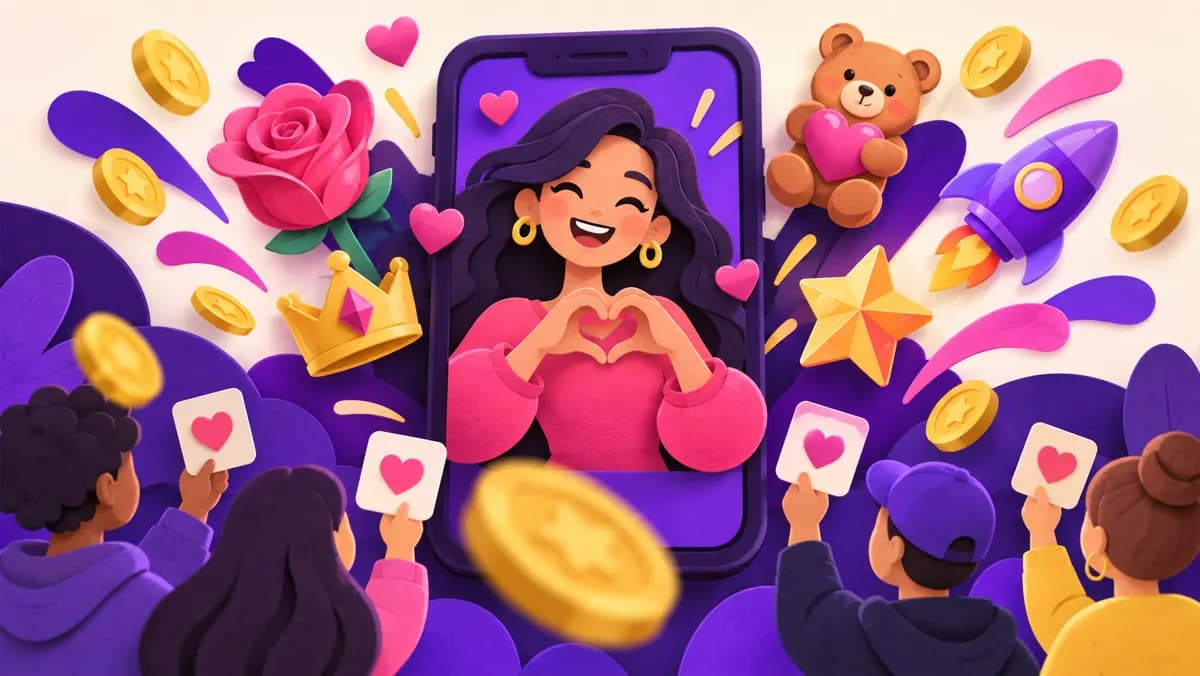
What TikTok LIVE Gifts are
TikTok LIVE Gifts are virtual items viewers can activate during a creator's live broadcast to express appreciation or participate in the experience. They are part of TikTok's own virtual-items system. A viewer generally acquires Coins through TikTok and uses Coins to activate a Gift where the feature is available. The creator does not receive that viewer's Coins as a direct transfer. TikTok uses Gift activity in its systems for recognizing creator popularity, including Diamonds, under the applicable terms.
That distinction matters because several numbers appear in the same conversation: followers, live viewers, Coins, Gifts, Diamonds, and potential rewards. They are not interchangeable. A larger follower count does not mean someone has sent a Gift, and a Gift's displayed Coin amount is not automatically cash paid to a creator. This guide explains the flow, eligibility, responsible ways to make a LIVE worth attending, and what to check when the Gift button is missing.
Compare TikTok follower packages (not LIVE Gifts)
TikTok prohibits the trade or promotion of services that artificially increase engagement and may remove fake followers or likes. Review its rules before purchasing. TikTok Community Guidelines.
How a viewer sends a Gift during a LIVE
A viewer joins an eligible LIVE, opens the Gift option if it appears, chooses an available Gift, and confirms the action in TikTok. The app shows the Coins required for each Gift before activation. If the viewer lacks enough Coins, TikTok may offer a way to recharge through its supported payment routes. The exact interface and catalog can vary, so follow the prompts inside the app rather than an old screenshot or a third-party price list.
Sending a Gift is voluntary. Viewers should check the Coin cost before confirming, especially during a fast-moving stream. TikTok offers a Gift limit notification in some contexts, which can help a viewer set a personal spending boundary. A creator should never pressure someone to buy Coins or imply that a viewer must send a Gift to be welcome. Comments and watch time are also meaningful forms of participation.
Continue with these practical guides: How to Get TikTok Followers for a Small Business Without Chasing Every Trend.
Who can access LIVE and Gifts
TikTok says LIVE and Gift features are not available everywhere. Its help page lists age requirements for going LIVE and sending or receiving Gifts, and says an account generally needs a follower threshold to go LIVE that can vary by region. Other eligibility conditions and account status may also matter. Check the current LIVE controls and TikTok's help center for your location before planning a stream around monetization.
If the LIVE option does not appear, do not assume there is a hidden penalty. Confirm the account's age information, regional availability, follower eligibility, and any in-app account notices. If a feature has been restricted, follow the notice or support path TikTok provides. Do not use another account to bypass a restriction. Eligibility to host a LIVE is also not a promise that every LIVE feature, including Gifts, is available to that account.
Understand Coins, Gifts, and Diamonds separately
Coins are a TikTok virtual item a viewer can obtain through the platform and use to activate available Gifts. Gifts are the virtual expressions the viewer chooses. Diamonds are a separate virtual item TikTok uses to recognize a creator's popularity and contributions. TikTok's Virtual Items Policy describes how these categories relate and says the use of virtual items is subject to its terms. The rules may differ by jurisdiction, so read the version that applies to your account.
Avoid simple conversion claims such as “one Gift always pays the creator this amount.” A viewer's Coin purchase price, the Coin amount associated with a Gift, the Diamonds a creator receives, and any eventual reward are separate matters governed by TikTok. Diamonds do not automatically guarantee a payout. If you are planning finances, rely on the balance and terms shown in your own TikTok account, not a calculator promising a fixed exchange rate.
Check Gifts settings before the broadcast
Before inviting people to a LIVE, inspect the settings available to your account. Confirm the account is eligible, LIVE Gifts are enabled if you want to receive them, moderation tools are configured, and the title accurately describes the session. Do a short private preparation run where possible to check lighting, sound, connectivity, and the camera view. A clear experience gives people a reason to stay even if nobody sends a Gift.
Prepare a simple running order: an opening that says what the LIVE will cover, a demonstration or discussion, time for questions, and a clear ending. Make sure any product or sponsorship disclosures required by TikTok are set correctly. If you are unsure whether a feature is available, inspect the live setup screen rather than announcing a Gift goal before you have verified it. Technical preparation is more useful than a gimmick built around a button that may not appear.
Give the LIVE a reason to exist
A LIVE works best when real-time interaction improves the content. A repair shop could answer questions while demonstrating a safe maintenance task. A maker could show how a product is assembled and explain choices as viewers ask. A teacher could work through audience examples. The benefit should be understandable from the title and opening even to someone who has never seen the account before.
Plan a few prompts that invite conversation without demanding payment. Ask what part of the process people want explained, or invite questions about a common problem. A stream that consists only of requests for Gifts gives viewers little value and may run against TikTok's rules on manipulative engagement. The strongest reason to return is that the creator pays attention and delivers on the topic. Gifts, when available, are an optional expression of appreciation for that experience.
Acknowledge support without turning it into pressure
Creators may thank viewers who choose to send a Gift, but the tone matters. A brief, sincere acknowledgment lets the stream continue. Repeated calls to spend, exaggerated claims about what a Gift will accomplish, or promises of special treatment can alienate viewers and create policy problems. Decide before going live how you will handle names, questions, and spending prompts so you are not improvising under pressure.
Make room for people who cannot or do not want to spend. Answer ordinary comments, explain the work, and moderate the chat fairly. If a viewer asks about sending a Gift, direct them to TikTok's in-app information and remind them to check the displayed Coin cost. Never ask a viewer to send payment outside TikTok in exchange for an in-app Gift. The creator's job is to host a worthwhile conversation, not to convert every viewer into a transaction.
Compare TikTok follower packages (not LIVE Gifts)
Moderate the room and protect the audience
A LIVE can attract spam, impersonation, and requests for personal information. Review TikTok's moderation controls and consider a trusted moderator when the chat is busy. Set clear boundaries around harassment and inappropriate requests. Do not read private customer details aloud, display addresses on packaging, or reveal sensitive information while showing a workspace. A few minutes of setup can prevent an avoidable problem.
If you host sales or advice content, be careful with claims made in real time. Correct mistakes when you notice them. A guest or moderator should know the subject and the boundaries. Do not encourage minors to buy Coins or send Gifts; TikTok has age rules for these features. A respectful room may support longer conversations and repeat visits, but no moderation tactic guarantees Gift activity.
Promote a stream with a clear topic
Tell existing followers when you plan to go live and what question the session will answer. A short video can preview the demonstration or invite questions in advance. Use an accurate title so people who arrive midstream know what they are joining. If the account serves a local business, mention the relevant time zone and audience rather than assuming everyone sees the event at the same hour.
Do not promise an outcome you cannot deliver or build the announcement around a Gift target. A creator who says “I will show how we choose a repair option and answer questions” gives a concrete reason to attend. Save any useful questions afterward and turn them into follow-up videos. Even if the stream earns no Gifts, it can teach you what your audience needs next. Treat LIVE as a content format first and an optional monetization surface second.
Review the stream after it ends
After a LIVE, note the topic, start time, duration, audience questions, technical issues, and any metrics TikTok makes available. The number of Gifts alone will not tell you whether the session helped people. Did viewers stay for the demonstration? Did questions reveal a new topic? Did anyone contact the business for a relevant reason? Keep a simple record so the next session can improve.
If Gift activity matters to your planning, check the account's official balance and applicable terms. Avoid projecting future income from one unusually active session. A seasonal event, guest appearance, or one generous viewer can change a single result without establishing a repeatable pattern. Keep any financial record separate from follower and view counts. If a balance looks wrong, use TikTok's support channels and retain the relevant in-app transaction information.
Why the Gift button may be missing
A missing Gift button can have several ordinary explanations. Gifts may be unavailable in the viewer's location, the creator's account may not be eligible, the specific LIVE may not support them, or the viewer may not meet TikTok's age or account requirements. App versions and temporary feature availability can also affect what appears. The creator and viewer should check their own in-app notices and TikTok help pages rather than relying on guesses from a comment thread.
If you are the creator, verify LIVE and Gift settings before the next broadcast and look for account-status notices. If you are the viewer, confirm you are using TikTok's official app and that the Gift option appears on other eligible streams in your region. Do not send money to someone who claims they can “unlock” the button. An external follower or engagement package cannot grant LIVE Gifts eligibility; TikTok controls access to the feature.
Keep follower packages and LIVE Gifts distinct
SocFan's TikTok follower package is linked here because readers may be comparing ways to grow the displayed follower count. It is a follower product, not a LIVE Gifts product. Buying followers does not purchase Coins, send Gifts, award Diamonds, unlock a monetization feature, or guarantee that real people attend a broadcast. TikTok's Community Guidelines prohibit services that artificially increase engagement and may remove inauthentic followers or likes. Read the platform rules and package terms before considering a purchase.
The most useful step toward a better LIVE is to make the session worth joining: a specific topic, a reliable time, clear audio, thoughtful replies, and safe moderation. Keep any package count separate from genuine viewers, questions, and Gifts when reviewing results. Never provide a third-party seller with your TikTok password or verification code. If your goal is Gift income, use TikTok's own eligibility and virtual-items information rather than a follower number as a substitute.
Frequently asked questions
Are TikTok LIVE Gifts the same as followers?
No. Followers are accounts that follow a profile. LIVE Gifts are virtual items eligible viewers activate during a LIVE through TikTok's Coin system.
Does a creator receive the Coin price of a Gift as cash?
No direct cash transfer follows from the displayed Coin amount. TikTok's Diamonds and rewards systems have separate terms, and Diamonds do not automatically entitle a creator to payment.
Why can I watch a LIVE but not send a Gift?
Gift access can depend on location, age, account status, and the particular LIVE. Check TikTok's in-app notices and current help information for your situation.
Can buying followers unlock LIVE Gifts?
A follower package does not itself unlock Gifts or guarantee LIVE eligibility. TikTok determines feature access under its rules, and artificial engagement can carry platform consequences.
Compare TikTok follower packages (not LIVE Gifts)
TikTok Community Guidelines · TikTok: What is LIVE? · TikTok: Gifts and Coins · TikTok Virtual Items Policy · TikTok Community Guidelines: Integrity and Authenticity
Compare the current offer and purchase conditions
View package and buy: TTBuzz (5,000).
Compare all packages.
Continue with these practical guides: How TikTok Recommends Videos: Useful Signs and Tests · TikTok Content Ideas for Small Businesses: 25 Videos You Can Film This Month.