What a TikTok profile needs to accomplish
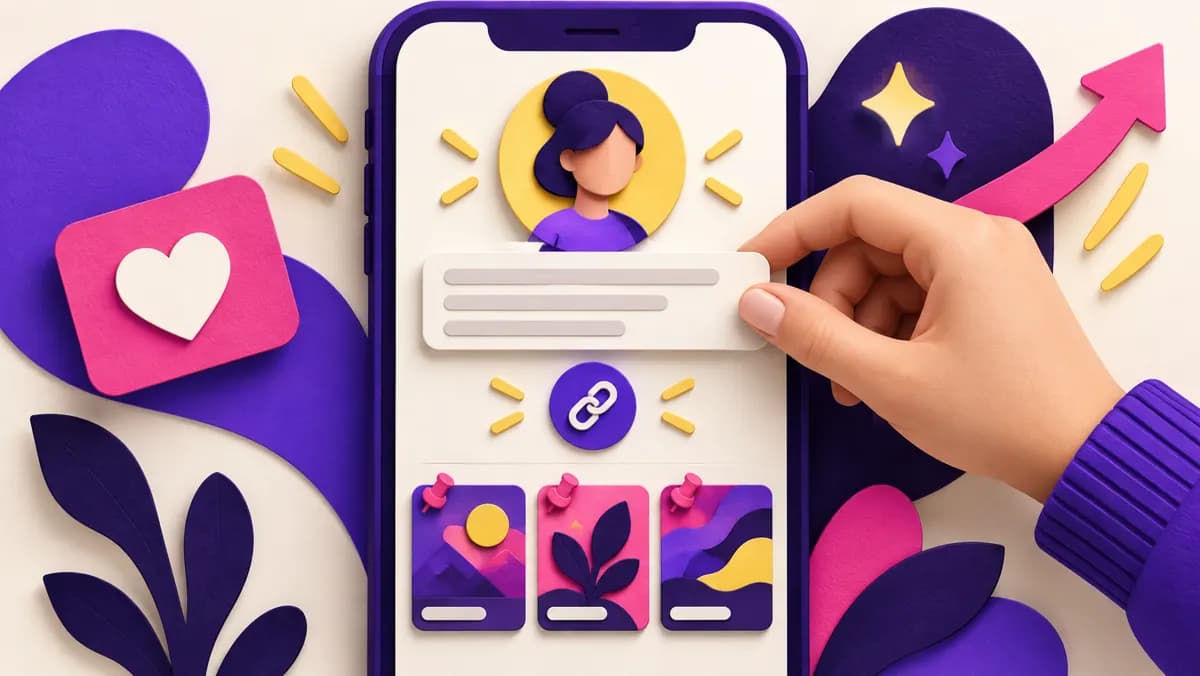
A TikTok profile is the handoff between a video that caught attention and a decision to follow, contact, or buy. A visitor should understand who the account serves, what kind of videos it publishes, and what to do next. Profile optimization is therefore less about filling every field and more about removing uncertainty. A beautiful avatar cannot explain a confusing offer, and a clever bio cannot rescue a grid of unrelated videos.
Start by opening your profile as a stranger would. Hide any knowledge of your own business and ask three questions: Can I identify the subject immediately? Can I tell why the next video might be useful? Is the next action obvious? Write down the first obstacle, then fix that before adjusting colors or punctuation. The checklist below works for creators, local businesses, and small brands, but each should choose one primary audience and one practical outcome.
Compare TikTok follower packages
TikTok prohibits the trade or promotion of services that artificially increase engagement and may remove fake followers or likes. Review its rules before purchasing. TikTok Community Guidelines.
Define the promise before editing fields
Write a plain sentence beginning, “This account helps…” A bicycle repair shop might finish it with “local riders understand maintenance and choose the right repair.” A food creator might say “busy cooks make inexpensive weekday dinners.” This is a working brief, not necessarily the text of the bio. It gives you a way to judge every profile element and the videos people see after tapping through.
Avoid a promise that is so broad it could describe thousands of accounts. “Lifestyle and good vibes” tells a new visitor little. Avoid a promise so narrow that you cannot sustain it, either. If the account covers product care, comparisons, and customer questions, the shared purpose might be “helping first-time buyers choose and use our products.” The promise should fit what you actually publish this month.
Continue with these practical guides: How TikTok Recommends Videos: Useful Signs and Tests.
Choose a recognizable username and display name
Your username is the handle people tag and the basis of your profile link. Your display name is another place to identify the person or business. Keep the handle easy to say, spell, and remember. If the exact business name is unavailable, add a meaningful word such as your city or trade instead of an arbitrary string of digits. Make the display name readable in small spaces and consistent with the name customers see elsewhere.
TikTok's help documentation says changing a username changes the profile link and is limited by a waiting period. Check the current in-app rules before changing an established handle, and update links in your website, email signature, printed material, and other social profiles afterward. A change that looks cleaner inside TikTok can break a link you have already shared. Searchability begins with recognition, not with stuffing several keywords into a name.
Make the profile photo work at small size
A profile photo is often seen as a tiny circle next to a comment or video. Choose a clear face for a personal creator account or a simplified, legible mark for a brand. Use enough contrast that the subject remains recognizable on a phone. A detailed poster, a long slogan, or a group photo may look fine full size and disappear at thumbnail size.
Keep the image aligned with the videos. If the account shows a baker at work, a clear photo of that baker may connect better than a generic pastry illustration. If several staff members appear, a consistent brand mark can prevent the account from seeming to change identity. Test the crop before saving: the circle may cut off text or a face near an edge. The aim is recognition when someone returns after seeing a video.
Write a bio that answers the visitor's question
A useful bio says who you help and what you offer or publish. “Repair tips and honest gear comparisons for city cyclists” gives more information than “Welcome to my page.” If location matters, include it in ordinary language. If your business takes appointments, say where or how. Use short phrases that can be understood without decoding a list of symbols.
One clear next step is enough. “See repair options below” works if a relevant link is available; “Ask a question in comments” may fit an educational creator. Do not claim credentials, results, or delivery areas you cannot support. Read the bio beside the latest videos: if it promises budget recipes but the grid contains only travel clips, either change the promise or publish videos that meet it. A profile is credible when its parts agree.
Check which links your account can actually use
A website link can send visitors to a booking page, product, newsletter, or simple landing page. TikTok says website-link access depends on account eligibility, including follower or registered business account criteria, and some linking features vary by region. The Edit profile screen is the practical place to see what your account currently supports. Do not build a conversion plan around a link field you cannot access.
Where a link is available, send visitors to the closest useful destination. A creator who discusses one downloadable guide should link to that guide, not a crowded homepage. A local business should make hours, service area, and contact options easy to find after the tap. Check the destination on a phone, confirm it loads, and verify that its promise matches the bio. If a website link is unavailable, give a truthful next step that your account can support instead of hiding a broken URL in an awkward caption.
Let the video grid confirm the profile promise
Visitors often scan the recent thumbnails before following. Make the first visible group understandable as a collection. This does not require identical covers or one rigid template. It requires topics that belong together: questions, demonstrations, comparisons, or behind-the-scenes work that serve the same audience. A mixed grid can still make sense if the connection is clear from titles and visuals.
Review the latest nine posts. Could someone describe what they would learn from following? If not, plan the next few videos around one audience need. Clear on-screen titles can help a visitor distinguish a tutorial from a product announcement. Avoid a cover that promises a different answer from the video. The profile is only as persuasive as the work it previews; swapping an avatar repeatedly is unlikely to compensate for an unclear content pattern.
Use pinned videos as a short introduction
If pinning is available on your account, use it to answer the questions a new visitor is most likely to ask. One video can explain who you help, another can demonstrate your best-known work, and a third can address a common objection. A pinned video should still stand alone and provide a real answer. “Follow us for more” is weaker than showing what “more” looks like.
Compare TikTok follower packages
Keep pins current. A video about an expired sale or an old product line can create confusion even if it once performed well. For a service business, a short demonstration of the booking process may be more valuable than its highest-view entertainment clip. Choose pins for the decision the visitor faces, not simply for the biggest number. Revisit them whenever the offer or audience changes.
Make business details easy to verify
People who may spend money want to know whether the account is real and relevant. Use a consistent business name across TikTok, your site, and other public listings. If you serve a specific city, say so without implying a wider service area. Show real work, packaging, staff, or examples with appropriate permission. If you quote a customer, get consent and avoid exposing private details.
A profile does not need to look corporate to be trustworthy. It does need accurate claims and a sensible path to more information. Check that a listed website uses the same brand, that contact details work, and that product availability is current. If a regulated claim or professional credential matters, use precise wording and consult the relevant rules. Trust is built by evidence a visitor can check, not by a row of unsupported superlatives.
Choose a primary action for each visitor type
A creator seeking a community may want a relevant follow. A local shop may want an enquiry. An online seller may want a product visit. Pick one primary action so the bio, link, and pinned content support it. You can still serve other visitors, but competing commands make the profile harder to understand. “Follow, message, shop, join, and book” asks for too much at once.
Map a simple route: video topic, profile promise, next action. A clip answering “How much does a basic repair cost?” can lead to a profile that names the service area and a page showing repair options. A cooking tutorial can lead to a profile promising more practical recipes. The route should feel like a continuation of the viewer's question. If people arrive from a video about one topic and find a profile about another, improve the connection before trying to increase traffic.
Measure profile visits against meaningful outcomes
A rising follower count is one signal, but it does not tell you whether visitors are the right people. Where TikTok analytics are available, look at profile visits, follows, video performance, and any link or contact activity you can observe. Keep the time window consistent and compare similar types of videos. For a business, qualified messages or bookings may matter more than a large audience that never needs the product.
Record a simple baseline before editing the profile. Note the bio, link destination, pinned videos, recent topics, and the actions you care about. After making a change, give visitors enough opportunities to encounter it. Do not rewrite every field after one quiet day. If a clear bio raises qualified enquiries while follower growth stays modest, the profile may be serving its purpose. Judge it against your own goal, not a universal benchmark.
Run a practical profile audit in one afternoon
First, ask a colleague unfamiliar with the account to describe it after five seconds. Next, correct the biggest mismatch between their answer and your intended promise. Check the handle, photo crop, bio, link, and recent grid on a phone. Open the link as a visitor, including the contact or checkout step. Replace stale pins and make a short list of video questions that would support the profile promise.
Then publish the next few videos without changing the profile every day. Compare whether relevant viewers follow, message, or visit the destination. Save a screenshot of the old profile so you can remember what changed. If the result is unclear, test a more specific bio or a different pinned introduction, one change at a time. The audit should produce a more understandable account and a way to learn from visitors, not a permanent polishing project.
Understand what a paid follower package does
SocFan's TikTok follower package is linked here for readers comparing a commercial follower count. That product is separate from the profile work above. A delivered number does not guarantee that the new accounts will watch videos, visit a link, buy a product, or improve recommendation. TikTok's Community Guidelines prohibit services that artificially increase engagement and say inauthentic followers or likes may be removed. Review the current policy and product terms before making a purchase.
If your objective is qualified customers or a real community, start with a profile that tells those people why to stay. Keep any paid package decision separate in your records so a count change is not mistaken for better content or conversion. Never give a seller your password or verification code. A clear profile is useful regardless of how many followers it currently shows.
Frequently asked questions
What should I put in my TikTok bio?
State who the account helps, what viewers can expect, and one next step that is actually available. Use concrete words your intended audience understands.
Does changing my username affect old links?
Yes. TikTok says the username forms part of the profile link, so update links you control after a change and check the current in-app restrictions first.
Do I need a website link to optimize my profile?
No. A link helps when it is available and relevant, but a clear promise, recognizable identity, useful videos, and an available contact path still matter.
Will more followers make my profile convert better?
Not automatically. A larger number does not repair a confusing bio, stale link, or unrelated video grid. Measure real visitor actions against your goal.
Compare TikTok follower packages
TikTok Community Guidelines · TikTok profile setup · TikTok username guidance · TikTok profile links
Compare the current offer and purchase conditions
View package and buy: TTBuzz (5,000).
Compare all packages.
Continue with these practical guides: TikTok Hooks That Work for Business Videos: Examples and a Simple Test · How to Get TikTok Followers for a Small Business Without Chasing Every Trend.